Tips for Creating a Productive Home Office Space
Creating a productive home office space is essential for anyone working remotely or managing tasks from home. A well-designed workspace can improve focus, reduce distractions, and support your overall well-being during the workday. Whether you have a dedicated room or a small corner, making thoughtful adjustments can transform your home office. Here are practical tips to help you create an environment that fosters productivity and comfort.
Choose the Right Location
Find a Quiet Spot
Look for a space in your home that experiences minimal noise and foot traffic. This could be a spare room, a section of the living room, or even a converted closet. A quiet environment helps you concentrate better and reduces interruptions.
Consider Natural Light
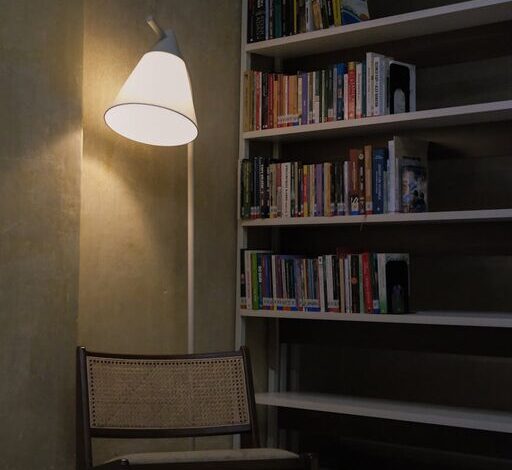
Natural light boosts mood and energy levels. Position your desk near a window if possible. If natural light is limited, invest in good quality artificial lighting that mimics daylight to reduce eye strain and keep you alert.
Invest in Comfortable Furniture
Select an Ergonomic Chair
A comfortable chair that supports your back, promotes good posture, and is adjustable in height is key to preventing discomfort during long work hours. Ergonomic chairs can help avoid back pain and fatigue.
Choose a Suitable Desk
Your desk should have enough space for your computer, accessories, and documents without feeling cluttered. Adjustable desks, including standing desks, offer the flexibility to change posture throughout the day.
Organize Your Workspace Effectively
Keep Essentials Close
Keep frequently used items like pens, notebooks, and your phone within arm’s reach to avoid disruption. Use desk organizers or drawer dividers to store these items neatly.
Declutter Regularly
Clutter can easily become distracting or overwhelming. Set aside time each day or week to tidy your workspace. Keeping surfaces clear helps maintain focus and reduces stress.
Use Vertical Storage
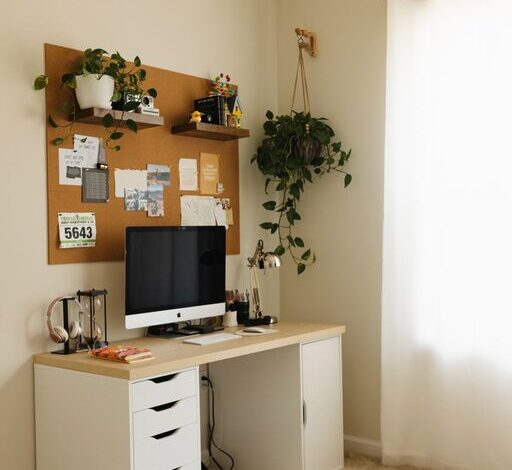
Make use of wall-mounted shelves, cork boards, or pegboards to keep important documents, calendars, or inspirational notes visible but out of the way.
Optimize Technology Setup
High-Quality Equipment
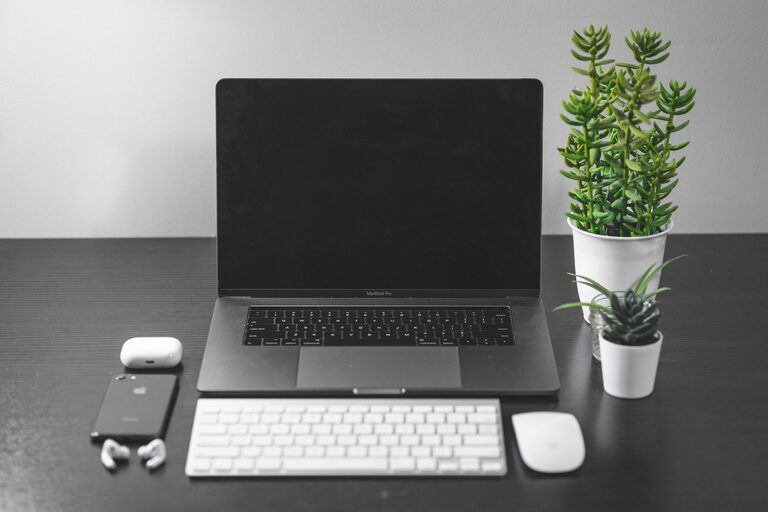
Invest in reliable tech like a good computer, keyboard, mouse, and headset. Equipment that functions smoothly reduces frustration and interruptions.
Manage Cables
Tangled cords not only look messy but can also cause accidents. Use cable organizers or clips to keep wires neat and prevent tangling.
Ensure Strong Internet Connectivity
A stable internet connection is essential for video calls, file sharing, and accessing cloud services. If Wi-Fi is weak, consider a wired connection or signal boosters.
Personalize Your Space
Add Plants
Introducing greenery improves air quality and can uplift your mood. Low-maintenance plants like succulents or spider plants work well in office settings.
Include Personal Touches
Photos, artwork, or inspirational quotes can make your workspace inviting and motivate you. Just avoid over-decorating, which can create distractions.
Establish Boundaries
Define Office Hours
Set clear start and end times to your workday. This helps separate your professional and personal life, which is important for mental health.
Communicate with Household Members
Let others in your home know your schedule and workspace boundaries to minimize interruptions during important tasks or meetings.
Take Breaks and Move
Schedule Regular Breaks
Taking short breaks every hour can reduce eye strain and prevent burnout. Stand, stretch, or take a quick walk to refresh your focus.
Incorporate Movement
If possible, use a standing desk or consider brief exercises during breaks. Moving regularly supports circulation and overall health.
Maintain Good Lighting and Air Quality
Use Task Lighting
Besides general lighting, task lighting like desk lamps can help reduce shadows and improve visibility for reading or detailed work.
Ensure Proper Ventilation
Good air circulation prevents stuffiness and helps keep you alert. If possible, open a window or use an air purifier.
—
Creating a productive home office space is about balancing comfort, efficiency, and personalization. By paying attention to location, furniture, organization, technology, and your own habits, you can build a workspace that encourages focus and supports your best work. Start small with a few changes and adjust your setup over time for the best results. Happy working from home!