Tips for Creating a Cozy and Productive Home Office Space
Creating a home office that is both cozy and productive can significantly improve your work-from-home experience. Whether you’re new to remote work or looking to refresh your space, having a well-designed office helps you stay focused, comfortable, and motivated throughout your day. Here are some practical tips to help you set up an ideal home office.
1. Choose the Right Location
Find a Quiet Spot
Select a space in your home that is quiet and away from high-traffic areas. This reduces distractions and allows you to concentrate better.
Consider Natural Light
Try to position your desk near a window. Natural light boosts mood and energy levels while reducing eye strain. If window space is limited, invest in good quality lighting.
2. Invest in Comfortable and Functional Furniture
Ergonomic Chair
A supportive chair is essential to prevent back pain and maintain good posture during long hours of work.
Adjustable Desk or Desk Alternatives
An adjustable desk can help you switch between sitting and standing positions. If you don’t have space for one, a standard desk paired with a footrest works well.
Sufficient Desk Space
Make sure your desk has enough room for your computer, notebooks, and any other tools you use regularly.
3. Organize with Purpose
Declutter Regularly
A clutter-free desk minimizes distractions. Use organizers, trays, or drawers to keep your essentials neatly stored.
Use Shelving and Storage Solutions
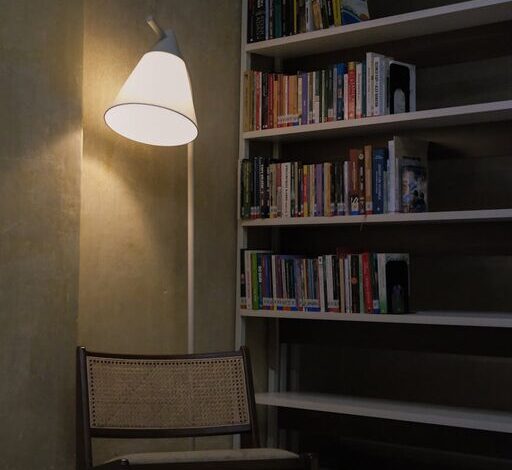
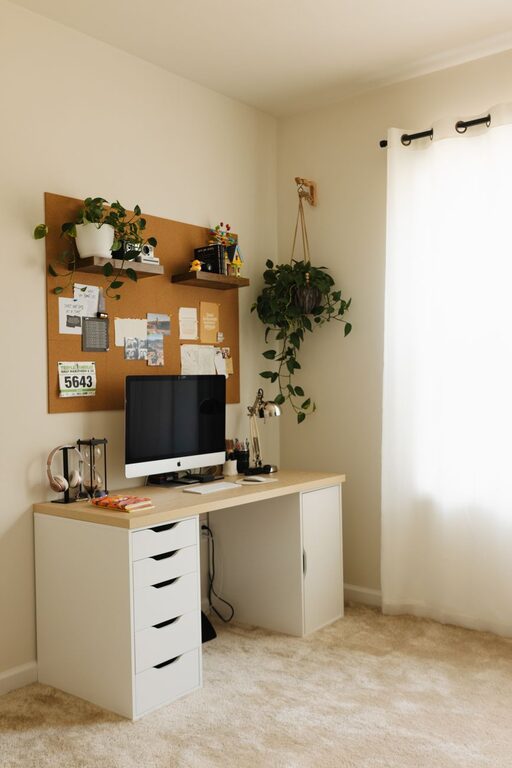
Wall shelves and storage boxes help keep documents and supplies away but still accessible.
Cable Management
Use clips or sleeves to keep cables tidy and out of sight, creating a cleaner, more organized look.
4. Add Cozy Elements
Soft Textiles
Incorporate rugs, cushions, or throws to add warmth and softness to your office area.
Personal Touches
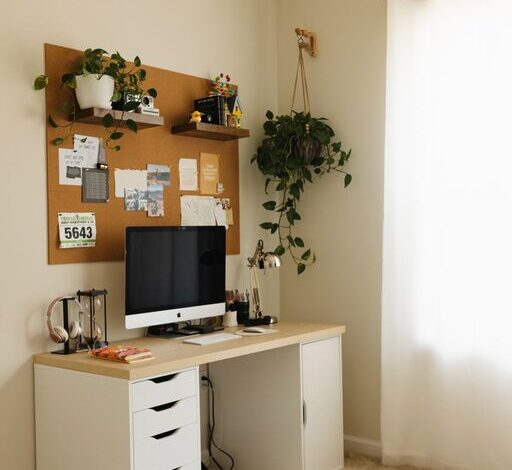
Include plants, artwork, or meaningful objects to make the space inviting without overloading it.
Temperature and Air Quality
Keep the room well-ventilated and at a comfortable temperature, possibly with a small fan or heater if needed.
5. Optimize Lighting
Layer Your Lighting
Combine overhead lights with task lighting such as desk lamps for balanced illumination.
Choose the Right Bulbs
Use bulbs with a color temperature of around 4000K for a natural, comfortable brightness that enhances focus.
6. Minimize Distractions
Noise Control
Use noise-cancelling headphones or add soft furnishings like curtains and rugs to absorb sound.
Separate Work and Leisure
If possible, avoid working from common areas like the living room to help mentally separate work time from relaxation.
7. Incorporate Technology Thoughtfully
Reliable Internet Connection
Ensure your workspace has a strong Wi-Fi signal or consider wired connections for greater stability.
Essential Devices
Choose the right technology tools like monitors, keyboards, and printers that enhance your productivity.
Backup Solutions
Have an external hard drive or cloud storage to protect your important work files.
8. Maintain a Routine and Keep It Inviting
Set Boundaries
Define working hours and take regular breaks to avoid burnout.
Keep It Fresh
Switch up small details every few months, such as artwork or desk accessories, to keep your space feeling inspiring.
—
Designing a cozy and productive home office is about balancing comfort with efficiency. By paying attention to your environment and making thoughtful choices, you can create a space where work feels natural and enjoyable. Start with these tips and adjust your setup based on what works best for your needs. Happy working!